Agent 365: Plan for 18 Months, Not 3
Microsoft's Agent 365 demos compress 12-18 months of work into 10-minute presentations. The technology is real. The implementation gap is too. Here's what data readiness, integration complexity, and organizational change actually look like for enterprises planning AI agent deployments.


I've sat through a lot of Microsoft product launches. Ignite 2025 felt familiar.
The demos were impressive. The roadmap was ambitious. The customer testimonials were enthusiastic. And somewhere in the back of the room, experienced architects were doing mental math on implementation timelines.
I've helped large enterprises migrate to Azure for over a decade. I've watched companies spend 18 months on projects Microsoft said would take 3. I've seen the gap between "now available" and "actually working in production."
Agent 365 solves real problems. The technology does what Microsoft claims. But there's a gap between the Ignite stage and your production environment. If you're planning an AI agent implementation, you need to know what that gap looks like.
What Microsoft Got Right
First, let's acknowledge what Microsoft learned from cloud adoption.
They understand the Shadow AI problem. The Agent 365 announcement directly addresses the governance challenge enterprises face. They're not pretending you can prevent Shadow AI. They're giving you tools to make it visible and manageable. This is the right approach, learned from years of watching Shadow IT spread despite IT's best efforts.
They built on existing infrastructure. Agent 365 extends Entra (formerly Azure AD), the same identity system you already use. Your security teams know how to work with Entra. Your compliance frameworks already account for it. This matters more than it sounds.
They're thinking about multi-agent workflows. When agents need to talk to each other across different systems, you need clear authentication at every step. Microsoft saw this problem coming and built agent identity from the start. That's harder to retrofit later.
They bundled security with the core offering. Security Copilot comes with Microsoft 365 E5. Purview integrates with agent governance. Defender protects against agent-specific threats. They're not treating security as an add-on you buy later.
These decisions show Microsoft learned from cloud adoption. They're applying those lessons to AI agents. That's good.
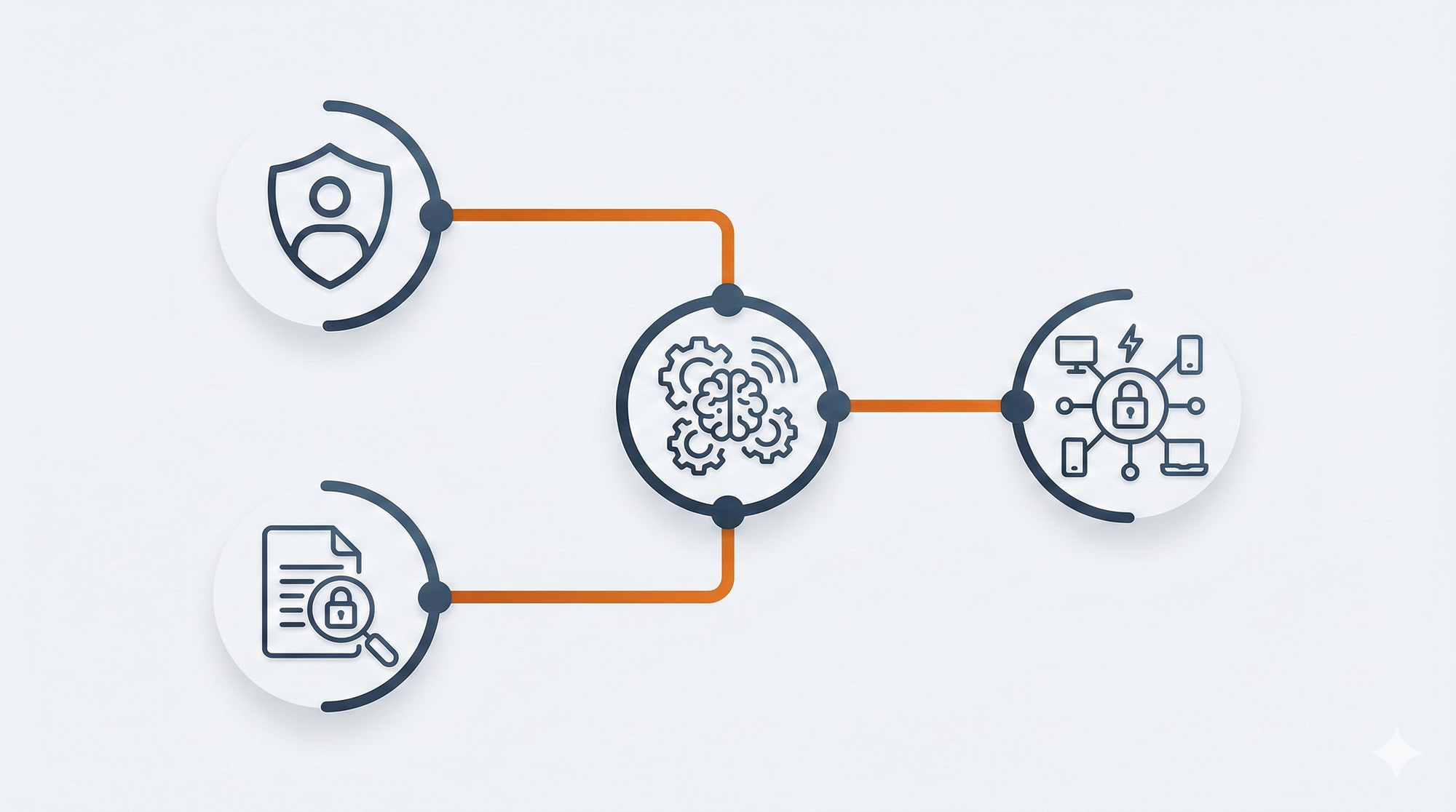
The Implementation Gap Nobody Mentions
Here's what the Ignite demos don't show you.
"Available now" has different meanings. Some features launched at Ignite are in public preview. Others are in private preview through the Frontier program. Some won't hit general availability until mid-2026. The full Agent 365 vision Microsoft showed on stage? That's 12-18 months away for most companies.
When Microsoft says a feature is "available," they mean the API exists and the documentation is published. They don't mean it works smoothly with your existing systems, integrates with your workflows, or scales to your data volumes.
Your data isn't ready. The demos assume your data is clean, well-structured, and properly classified. In reality, most enterprises have decades of unstructured data across dozens of systems. Your SharePoint sites have duplicate files with unclear ownership. Your databases have inconsistent schemas. Your APIs lack proper documentation.
AI agents need context to work well. That context comes from your data. If your data isn't organized, agents can't find what they need.
What "data ready" actually means for Agent 365:
- Sensitivity labels configured in Purview so agents know what they can and can't access
- Clean metadata in SharePoint (accurate titles, owners, retention policies)
- API documentation for any internal system you want agents to use
- Identity mapping between systems so agents can connect actions to users
- Data classification that matches your governance policies
For companies with mature Microsoft 365 environments and Purview already configured, this might take 6-8 weeks. For companies with data sprawl across dozens of unmanaged systems, expect 6-12 months before agents can work effectively.

Integration takes longer than demos suggest. Microsoft showed agents working seamlessly across Teams, Outlook, and Power BI. What they didn't show: the custom integration work required to connect your internal systems.
Agent 365 uses Model Context Protocol (MCP) servers for third-party integrations. Microsoft announced MCP connectors for GitHub, Atlassian, and a few other platforms. If your critical systems have MCP connectors available, integration is straightforward. If they don't, you're building custom middleware.
That custom CRM your company built in 2015? No MCP connector exists. Your procurement system that runs on a legacy API? You'll need to build a connector or expose it through a supported protocol. Your HR platform that predates REST APIs? Someone has to write that integration layer.
For systems with existing MCP connectors (Salesforce, ServiceNow, Workday), budget 2-4 weeks for configuration and testing. For everything else, budget 3-6 months of development work per system.
Governance requires organizational change. Agent 365 gives you the technical infrastructure for governance. It doesn't give you the policies, processes, or buy-in you need to use it.
Who decides what agents can access what data? Who approves new agents? Who monitors agent behavior? Who responds when an agent makes a mistake? These are organizational questions, not technical ones. Most companies will spend 6 months figuring out the answers.
Your team needs training. Your security team knows how to manage human identities. They don't know how to manage agent identities yet. Your compliance team understands human access patterns. They'll need to learn how to audit agent behavior.
Microsoft provides documentation and certification programs. Your team still needs time to learn, practice, and build confidence. Plan for 3-6 months of learning curve.
Licensing is more complex than it appears. Agent 365 features require Microsoft 365 Copilot licenses. Some features need E5. The Frontier program requires at least one Copilot license to access. Security Copilot is now bundled with E5, but capacity units determine how much you can actually do.
Beyond licensing, budget for:
- Integration development (internal or contractor time for custom MCP connectors)
- Training and certification for your teams
- Potential consulting support for architecture and governance design
- Ongoing operational overhead for agent monitoring and management
The licensing model will likely simplify over time, but right now, get your Microsoft account team to map out exactly what licenses you need for your planned use cases before you commit to a timeline.
What Your Timeline Actually Looks Like
Based on what I've seen in cloud migrations, here's a realistic timeline for Agent 365 implementation. These estimates assume a mid-sized enterprise with moderate Microsoft 365 maturity. Your timeline will compress if you already have Purview configured, clean SharePoint metadata, and documented APIs. It will extend if you're starting from scratch on data governance.
Months 1-3: Discovery and Planning
- Inventory your current Shadow AI usage (you have more than you think)
- Identify which use cases matter most
- Map your data landscape and find the gaps
- Define governance policies and get leadership buy-in
- Start your security and compliance teams on training
Months 4-6: Infrastructure Preparation
- Clean and classify your data
- Build the integrations for your critical systems
- Set up Agent 365 in a sandbox environment
- Test with non-sensitive data first
- Refine your governance policies based on what you learn
Months 7-9: Pilot Deployment
- Deploy 2-3 agents for specific, contained use cases
- Start with low-risk scenarios (internal tools, not customer-facing)
- Monitor closely and collect feedback
- Train your first round of "agent bosses" (people who manage agents)
- Document what works and what doesn't
Months 10-12: Scaling
- Expand to more use cases based on pilot learnings
- Migrate existing Shadow AI tools to managed agents
- Build out your agent management capabilities
- Train more teams on agent development and management
- Start seeing actual ROI
This assumes you have strong executive support, dedicated resources, and no major blockers. Many companies will take 18 months to reach the scaling phase.
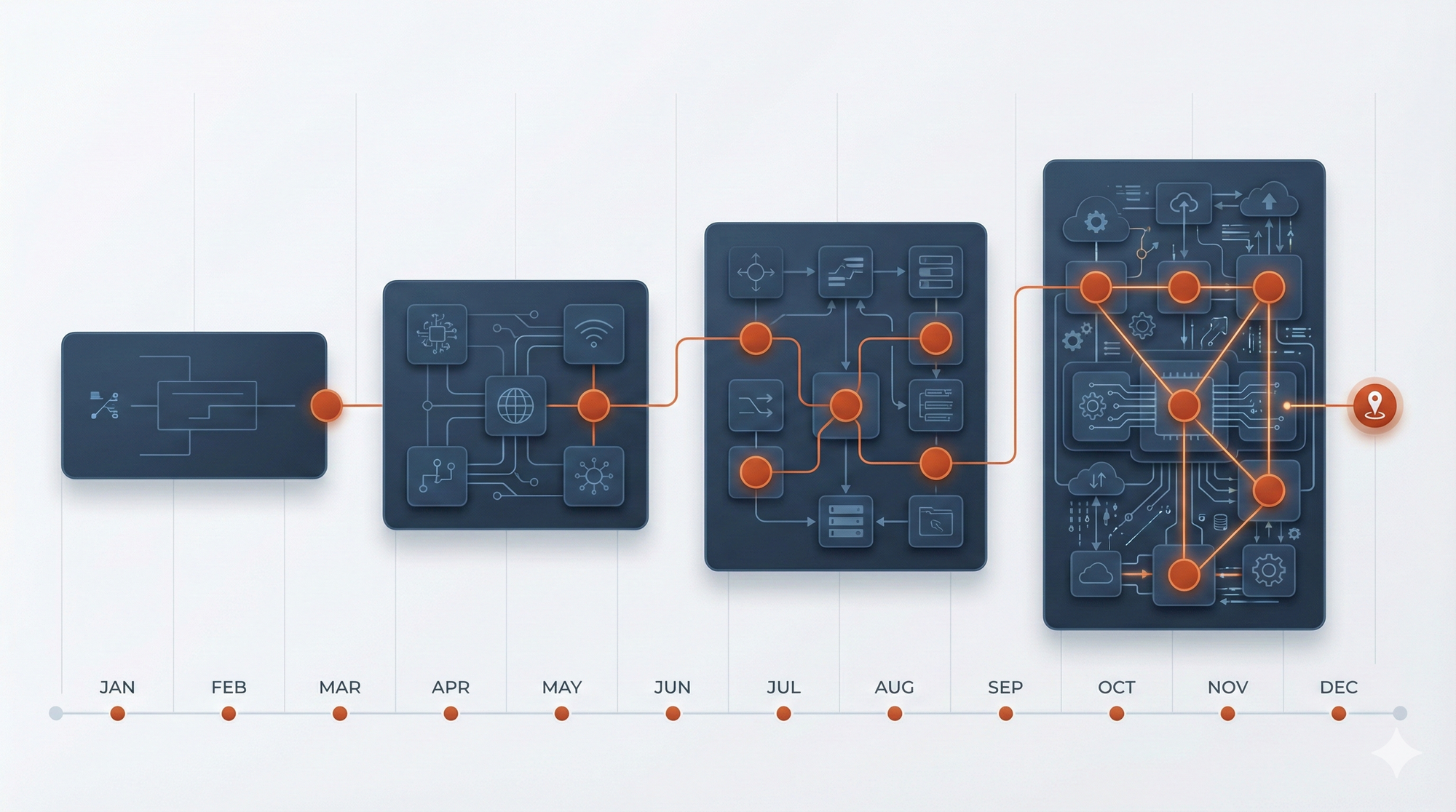
What You Should Actually Plan For
Here's what to do now based on realistic timelines.
Start the data work immediately. You can't deploy agents effectively until your data is organized. Begin cataloging what data you have, where it lives, and who owns it. Start classifying sensitive information. This work takes longer than anything else, so start now.
Pick one simple use case. Don't try to build the full Agent 365 vision in year one. Find one specific problem where an agent would help. Make sure it's not customer-facing and doesn't touch sensitive data. Get that working well. Learn from it. Then expand.
Invest in training before tools. Your teams need to understand agent concepts before they can use agent tools. Send your security team to Microsoft's Entra training. Get your developers certified on Copilot Studio. Build internal expertise before you scale deployment.
Map your integration landscape early. Before you commit to a timeline, inventory every system your agents will need to access. Check which ones have MCP connectors available. For systems without connectors, decide whether to build custom integrations or exclude them from your initial deployment. This decision drives your timeline more than any other factor.
Plan for organizational change, not just technical change. You need new roles (who manages agents?), new processes (how do we approve new agents?), and new policies (what can agents access?). Start those conversations now. They take longer than the technical implementation.
Know what roles you need. Agent 365 implementations require skills that may not exist on your current team. You'll need people who understand identity and access management (Entra), data governance (Purview), and agent development (Copilot Studio). In most organizations, these skills are spread across different teams that don't normally work together.
Consider whether you need a dedicated "agent platform" team or whether existing cloud and security teams can absorb this work. The answer depends on how central agents will be to your operations.
The Reality Check
Microsoft's AI agent vision is compelling. The technology is real. Agent 365 solves genuine problems. But the Ignite demos compress 12-18 months of work into 10-minute presentations.
I watched companies make this mistake with cloud adoption. They saw the demos, believed the timelines, and got frustrated when reality didn't match expectations. The successful migrations happened when companies planned for reality, not for the demo.
Here's what reality looks like: The technology works. The integration is hard. The organizational change is harder. The timeline is longer than you expect. And if you plan accordingly, you'll beat your competitors who believed the marketing.
Microsoft isn't lying when they show these demos. They're showing what's possible, not what's easy. The difference matters.
What Comes Next
This post covered the implementation reality for Agent 365. In the first post, I explained why Shadow AI happens and what Agent 365 solves. In the next post, I'll dig into the technical challenge Microsoft glossed over: multi-agent coordination.
When agents talk to other agents, complexity explodes. Authentication, authorization, error handling, state management. These are distributed systems problems. Most companies underestimate this challenge.
If you're planning agent deployments that involve multiple agents working together, you need to understand what you're actually building. I'll break that down next week.